
How to check website traffic



When analyzing efficiency, administrators and SEO specialists should not overlook factors such as site traffic and its sources. Let’s delve deeper into this subject.
Traffic Sources
- Organic traffic. This refers to visitors who arrive at a site via search engine systems. Currently, Google is the most widely used search engine worldwide. To attain organic traffic, it’s necessary to dedicate extensive efforts towards website promotion: optimizing pages, updating content, and managing the link mass.
- Paid traffic. This type of web traffic is generated by users who visit a site through paid advertisements. This can include targeted ads, contextual placements, etc. Acquiring such users incurs costs. Paid traffic sources can be fully controlled, boosting traffic to the least visited pages, promoting specific products or services.
- Direct traffic. Visits to a site via a direct URL (link). Tracking this type of traffic makes it impossible to gain information about the original source of the visits. This can occur when users navigate from various documents where the link to the site was indicated or from bookmarks.
- Referral traffic. Accessing a site via links. These can be links in articles located on news and thematic resources, on review sites, or in comments.
Checking site traffic is essential not only for monitoring individual site metrics but also for competitive analysis. Which sources bring in more traffic? What percentage of new users do they attract? Monitoring competitors enables you to stay ahead, gaining insights into new traffic source acquisition.
Popular Services for Analyzing Site Traffic
For tracking your own site, there are two main services that require proof of ownership upon their addition. These are Google Search Console and Yandex.Webmaster.
Google Search Console
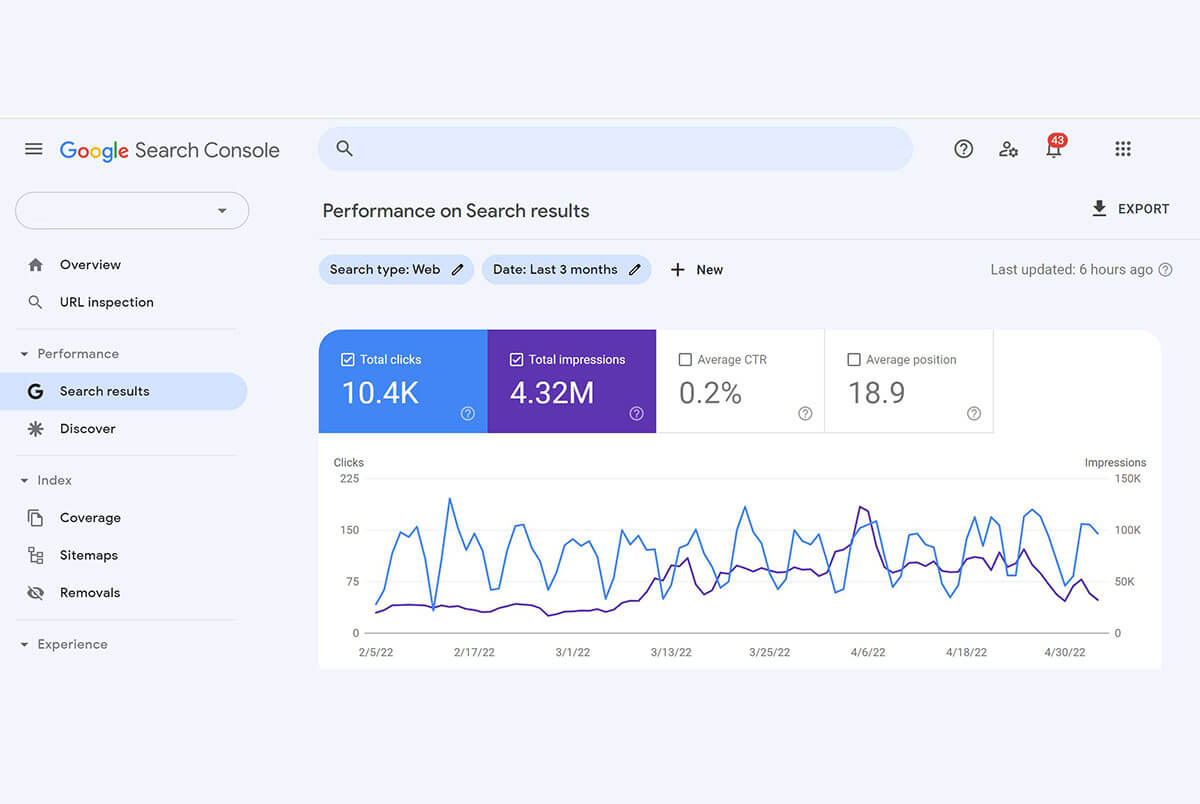
To work with Google Search Console, ownership rights must be verified.
What Google Search Console Allows:
- Displays general data about the site: the number of indexed pages, the number of visits to the site, search rankings, average site CTR, and those of individual pages;
- Identifies indexing errors;
- Temporarily removes URLs of individual pages from search results;
- Generates reports over specific periods, by search regions, depending on the type of device (mobile or desktop version).
Yandex.Webmaster
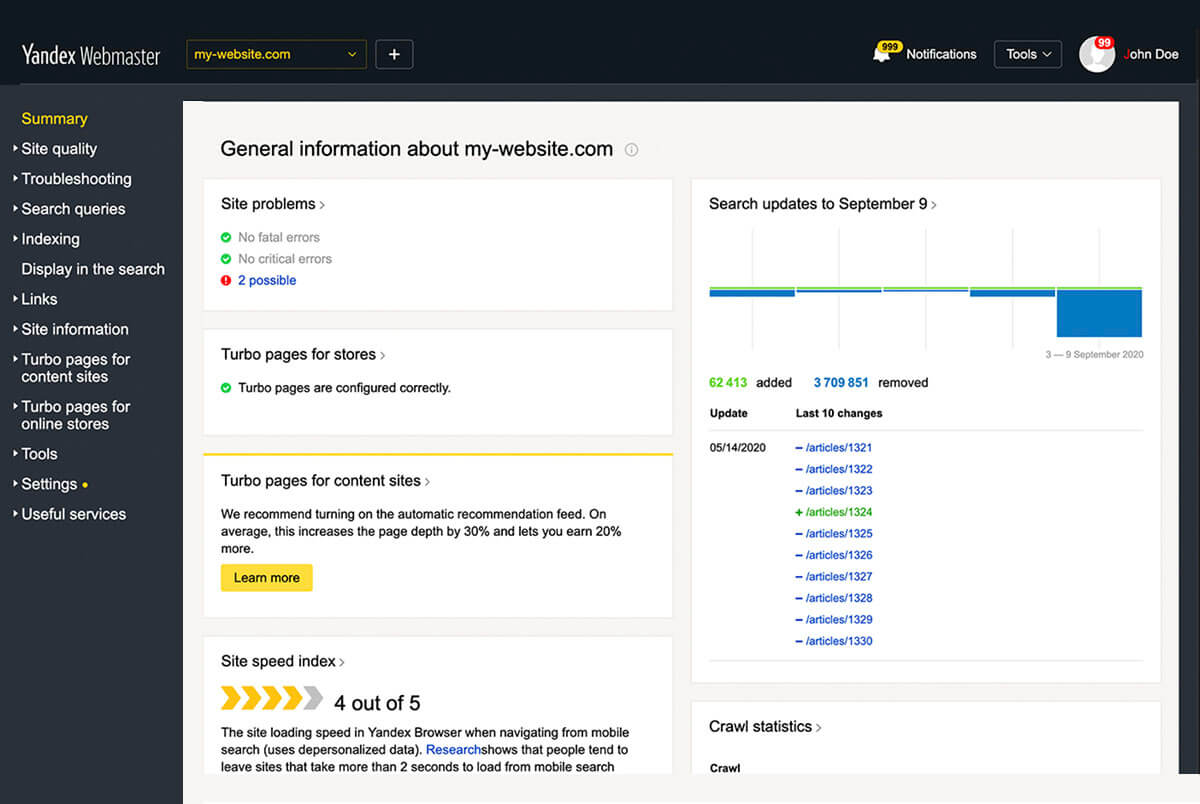
Yandex.Webmaster specializes in providing comprehensive information about the site, identifying indexing errors, and tracking search queries. For permanent interaction with this service, registration is required, to add a website and confirm access rights.
What Yandex.Webmaster Allows:
- To enforce mandatory indexing of web pages in the search engine;
- To diagnose existing sanctions in the search engine;
- To analyze the overall link mass of the site;
- To work with search queries;
- To protect content with copyright;
- To remove pages from search results.
To track the positions of any site, regardless of ownership rights, there are numerous services available. They enable monitoring traffic in certain metrics and competitor sites within the segment. The most commonly used by webmasters are listed below.
Google Analytics
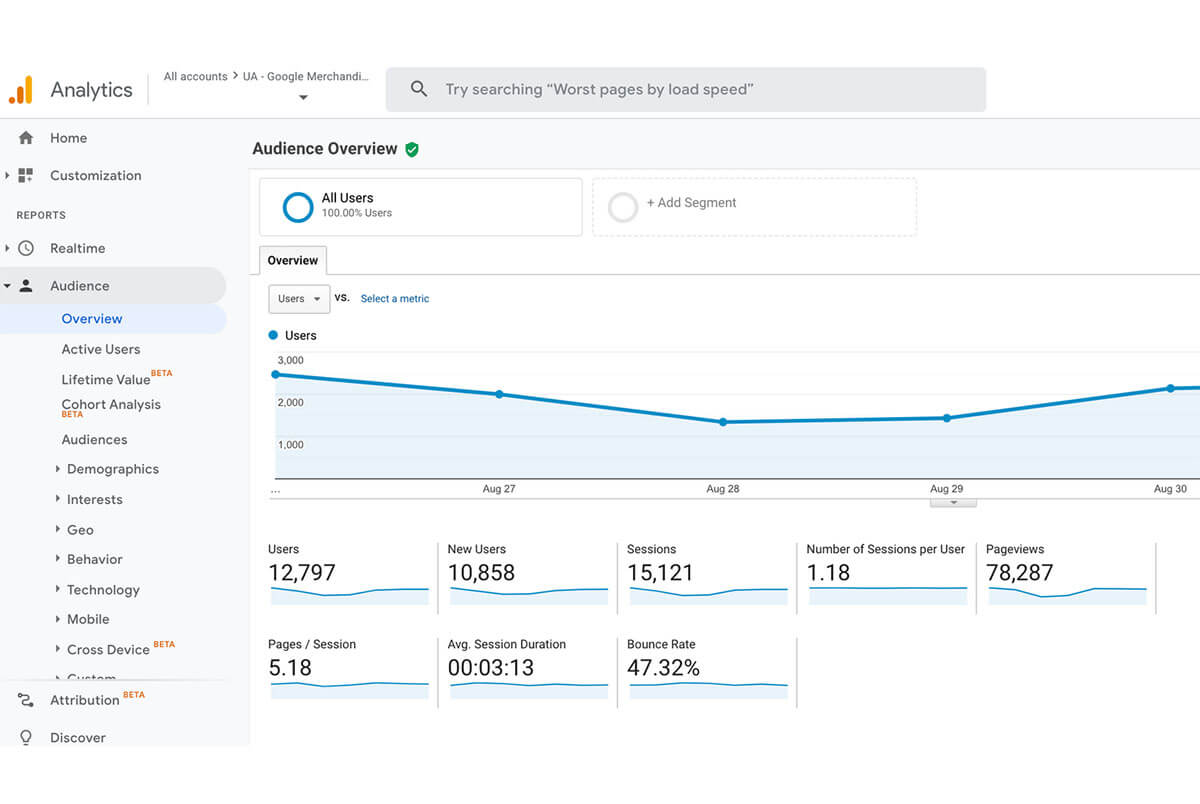
Another service from Google. It provides detailed statistics on site visitors. It allows users to create detailed graphical reports that can be saved as PDFs or shared via links.
What Google Analytics Allows:
- To track the number of unique users and sessions;
- To analyze the audience by demographic and geographic factors;
- To perform traffic monitoring across all sections of the website;
- To observe the sources of traffic.
Yandex.Metrics
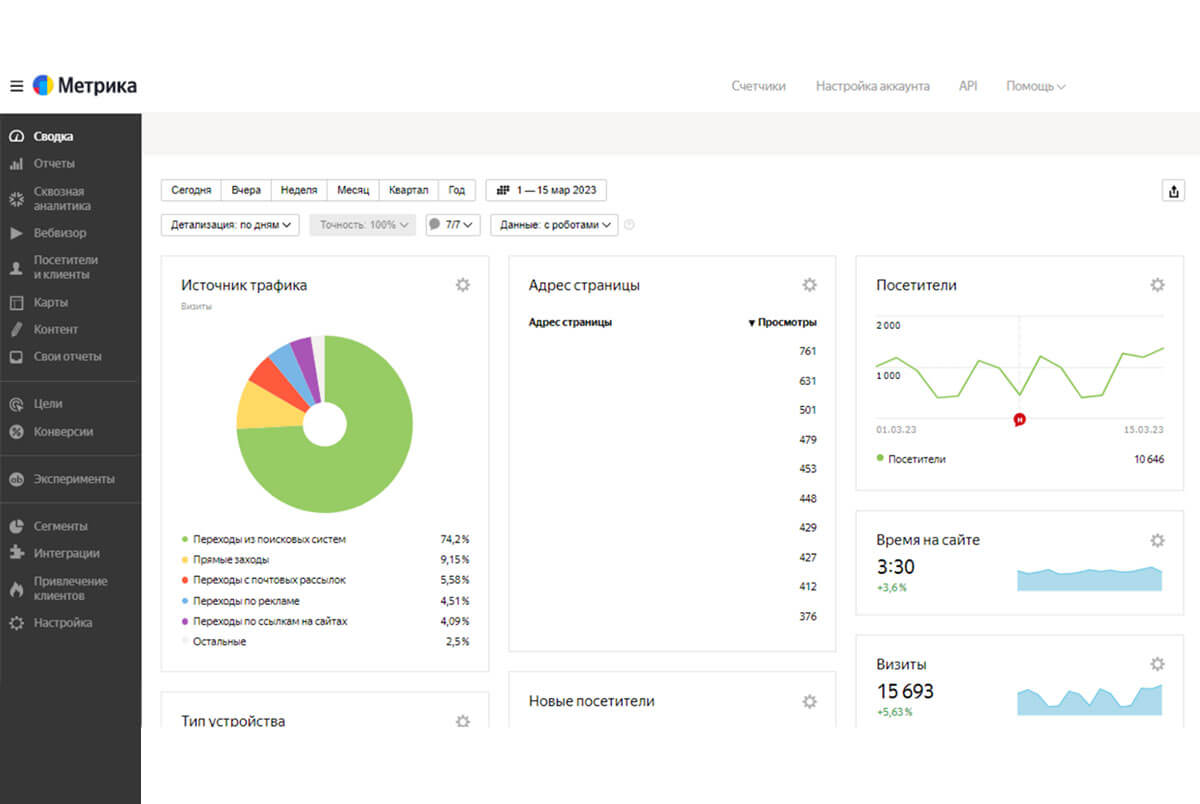
This service presents reports on traffic and user behavior. The segmentation function neatly categorizes users into groups for behavior study.
What Yandex.Metrics Allows:
- To track traffic sources and their origins;
- To visualize heat maps of clicks and scrolls;
- To create a visitor counter;
- To analyze the effectiveness of advertisements and assess expenses.
Serpstat
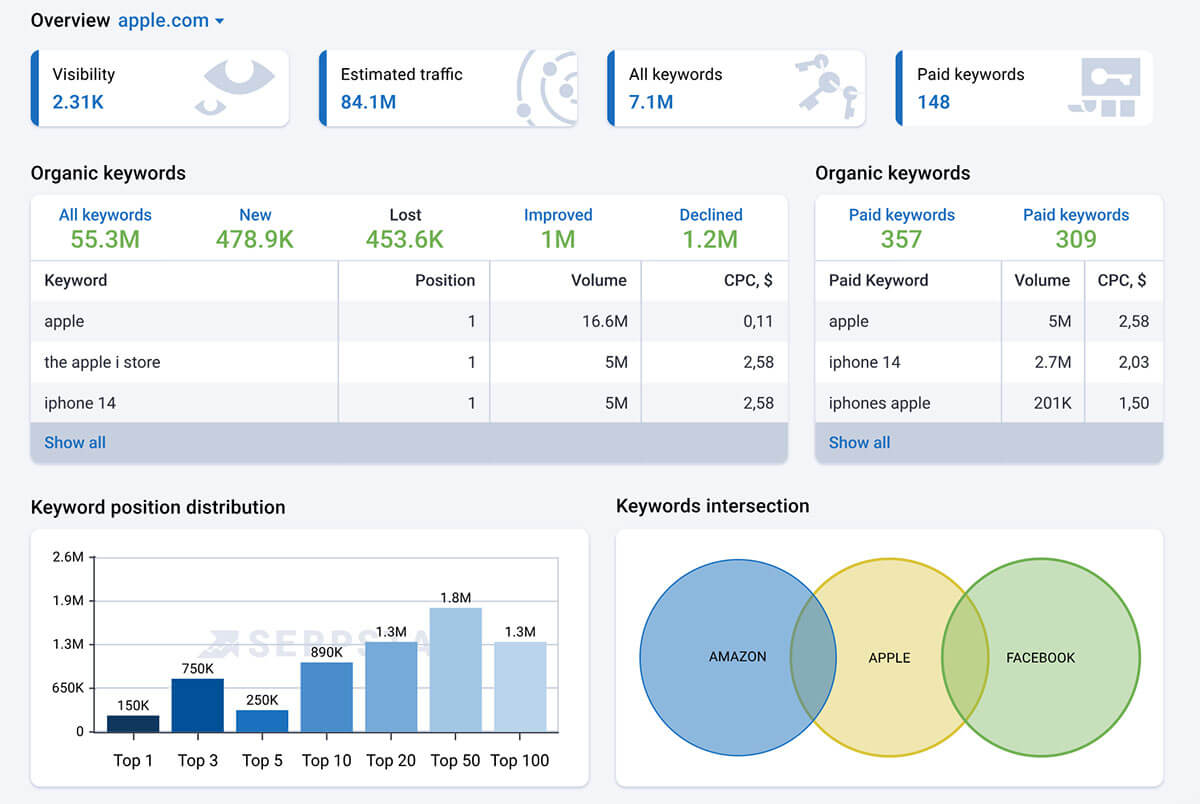
A tool that offers a vast array of functionalities, initially created for keyword analysis. It currently provides a comprehensive assessment of any site’s effectiveness. Accessible for limited free use or in a full paid version after registration.
What Serpstat Allows:
- To analyze traffic on any site;
- To research keywords and domains, frequency of requests;
- To track the site’s rankings;
Semrush

This service boldly claims to be the largest resource for keyword analysis. It is among the TOP tools for SEO. Using the trial version of the service, users can create up to 10 reports on competitor website traffic. One of the advantages is the ability to check traffic for multiple sites simultaneously.
What Semrush Allows:
- To view search positions and traffic;
- To monitor backlink performance;
- To track social media activity;
- To analyze geographic distribution.
SpyMetrics
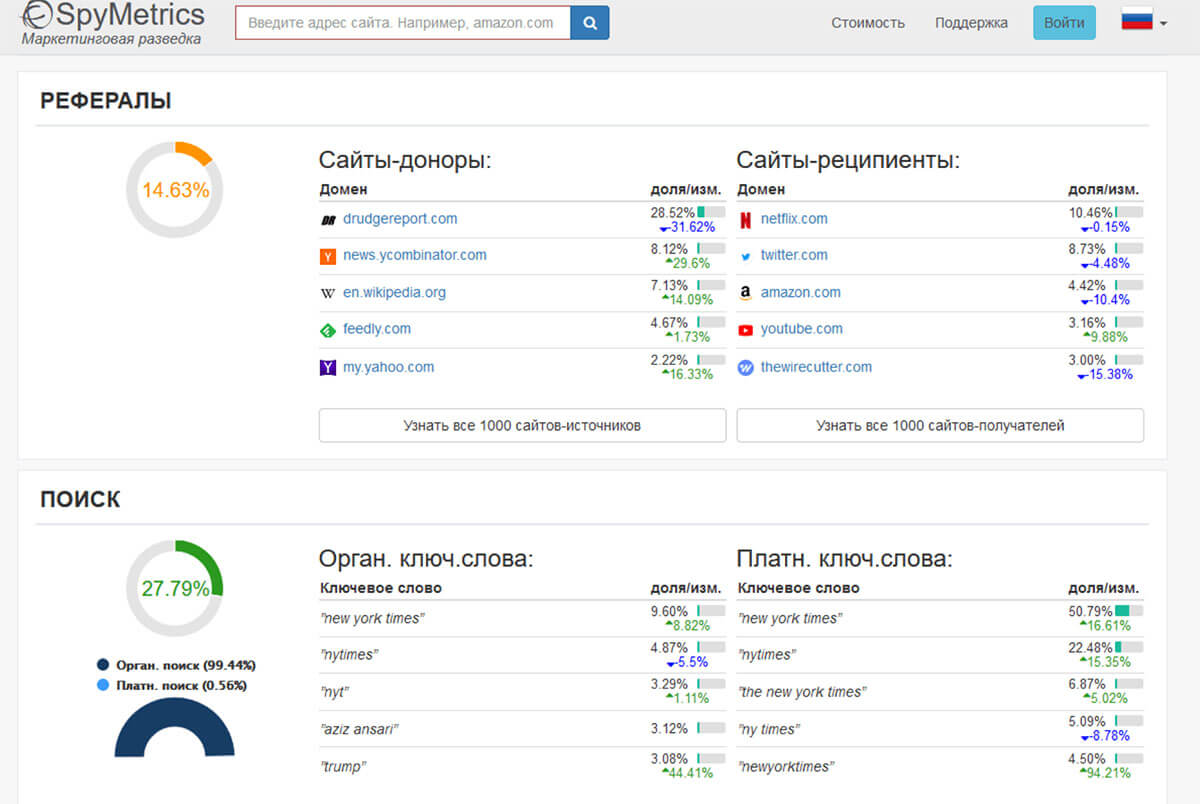
Ideal for monitoring competitor segment metrics. It visually displays from where traffic is being attracted.
What SpyMetrics Allows:
- To evaluate behavioral factors;
- To track traffic by countries;
- To segment the audience by interests;
- To generate traffic reports for the last 6 months.
MonsterInsights

A popular plugin for website visitor analysis. Installation is quite straightforward and takes no more than 5 minutes. All parameters can be individually adjusted and can be switched off if necessary.
What MonsterInsights Allows:
- To monitor statistics in real-time;
- To view transitions for each published post;
- To obtain data on clicks on advertisement publications;
- To generate reports on your computer.
WebCEO
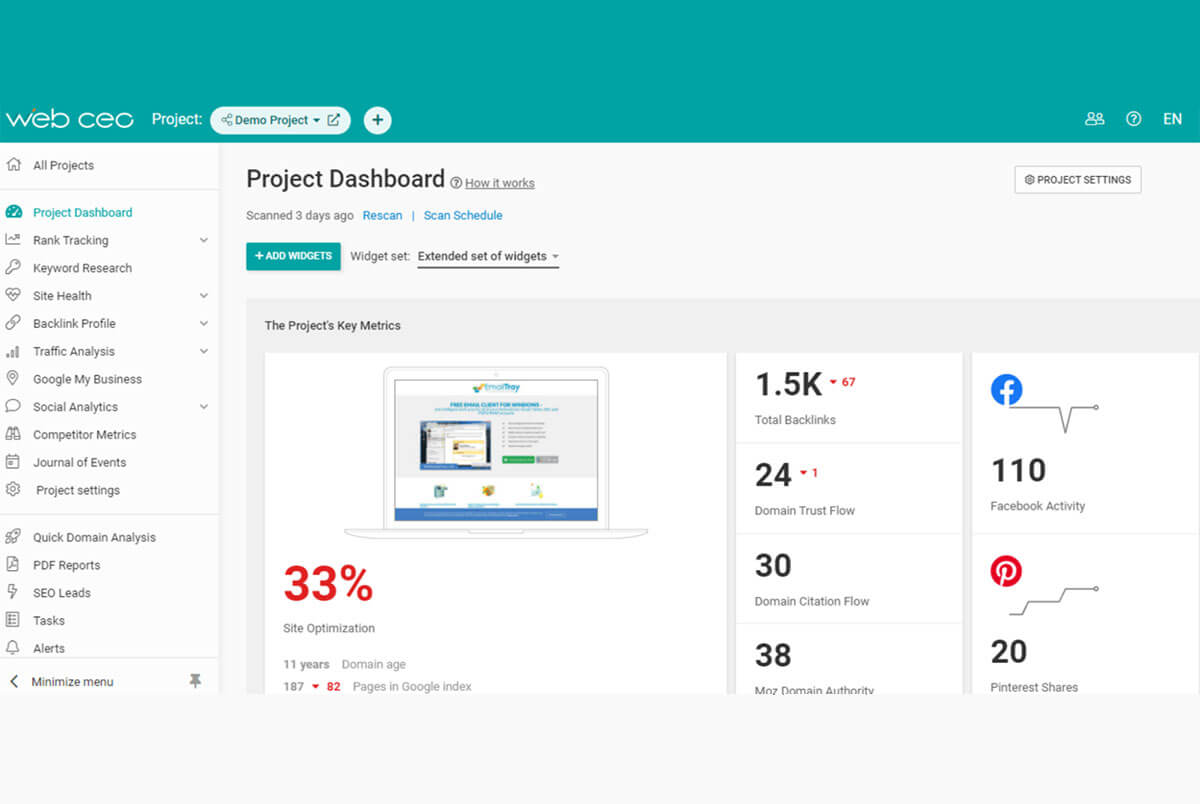
This platform is designed for small business use and also for large firms. It includes professional instruments for SEO and marketing.
What WebCEO Allows:
- To conduct quick analysis of traffic and site performance overall;
- To utilize more than 15 functions to address various tasks;
- To customize reports with the help of color schemes.
Alexa
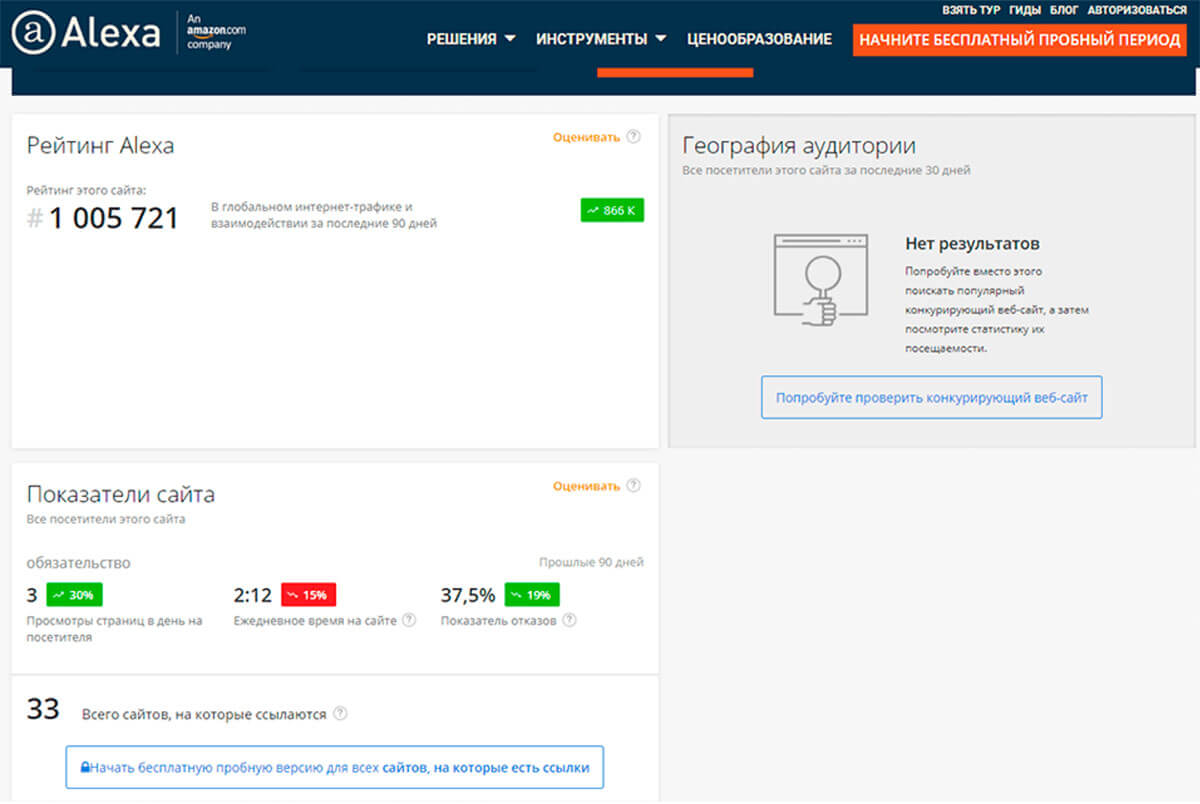
This service is designed for analyzing bordering web resources and allows for effective planning of promotion strategies. There is a limited trial period, requiring purchase for full functionality. It provides detailed reports on the performance of any internet resource.
What Alexa Allows:
- To view traffic and detailed statistics per channel;
- To analyze competitive keyword opportunities;
- To correct keyword shortcomings where the site is not being found;
- To discover keywords which can boost the site’s ranking.
Similarweb
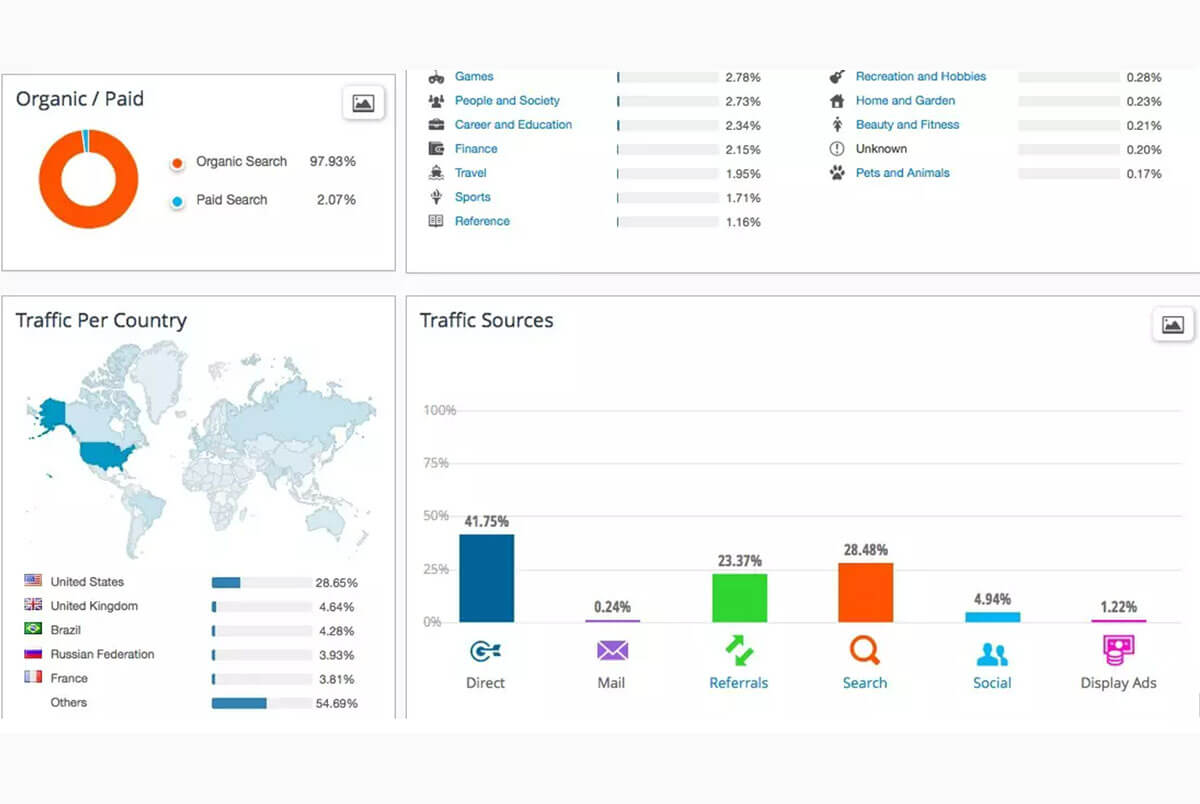
One of the most convenient solutions for analyzing the flow of traffic on a site. Reports can show both global rankings and rankings by countries.
What Similarweb Allows:
- To obtain data on traffic for specific keywords;
- To determine the geographical location of incoming traffic;
- To learn the list of traffic sources;
- To determine the percentage of refusals and the time spent by users on the site pages.
Ahrefs
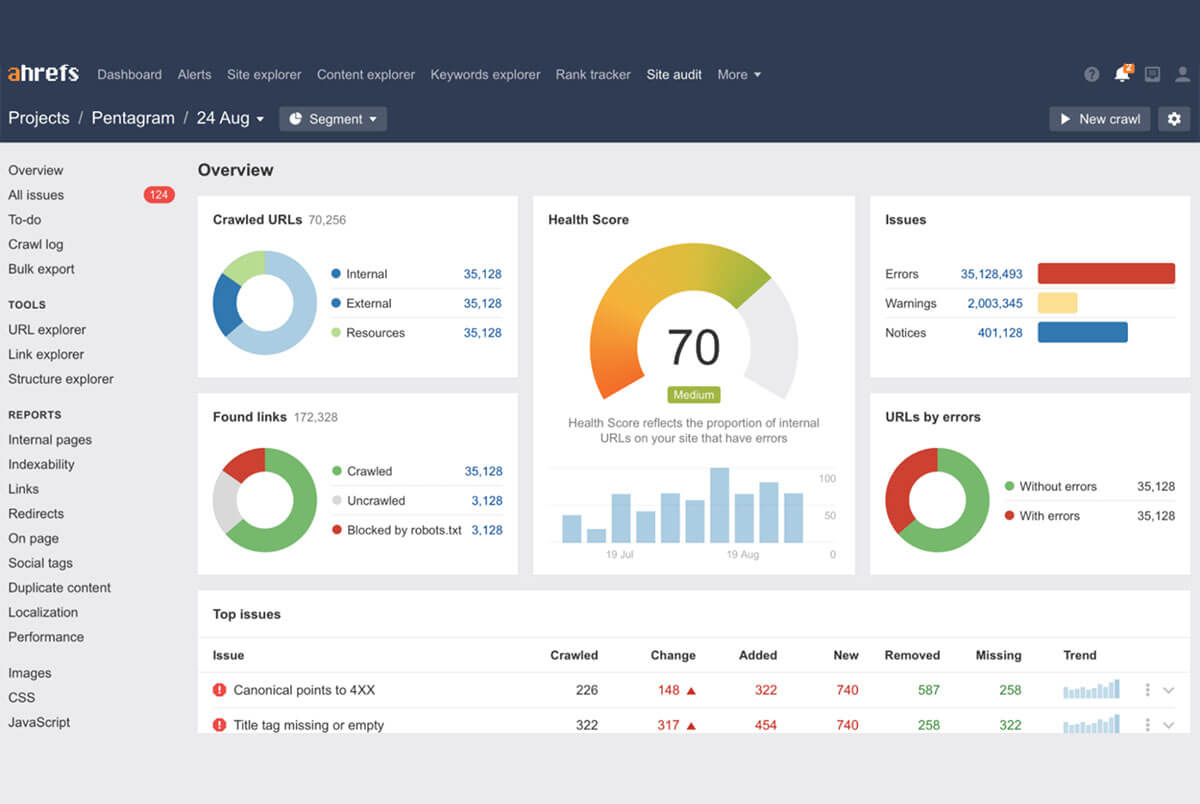
One of the most known services for evaluating domain rankings. It includes a wide range of tools for building marketing. Ahrefs collects comprehensive data and analyzes not only search engines but also YouTube. In traffic development, there is information on sources and specific keywords that contributed to that traffic.
What Ahrefs Allows:
- To identify sources of organic traffic;
- To enhance analysis and work with content;
- To track progress on search rankings;
- To verify backlinks;
- To analyze competitor traffic.
SE Ranking
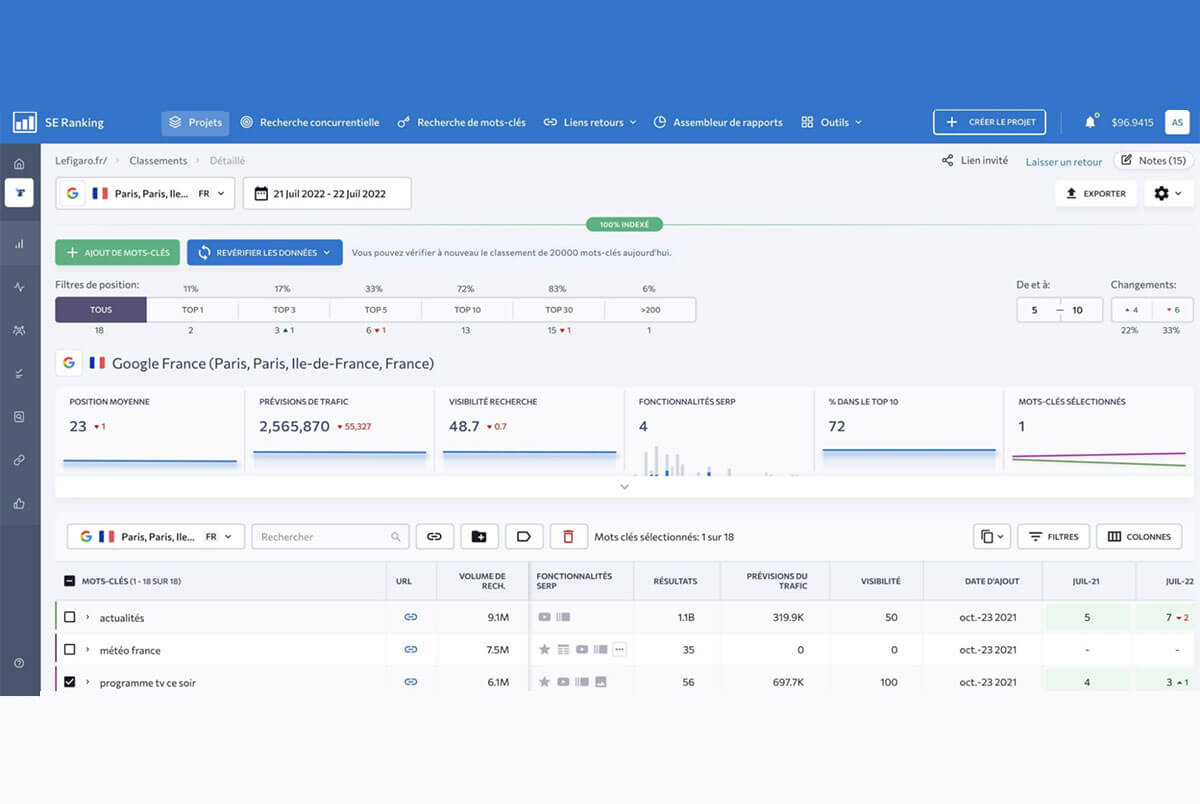
This service guarantees 100% accuracy in position checks. SE Ranking can be paid monthly or for individual checks. Detailed reports can be obtained through a structured, yet detailed tool panel.
What SE Ranking Allows:
- To analyze positions not only for keywords but also for advertisement notices;
- To conduct a web resource audit and backlink analysis, analyzing social networking metrics;
- To track changes on pages;
- To analyze traffic.
Website Traffic Checker
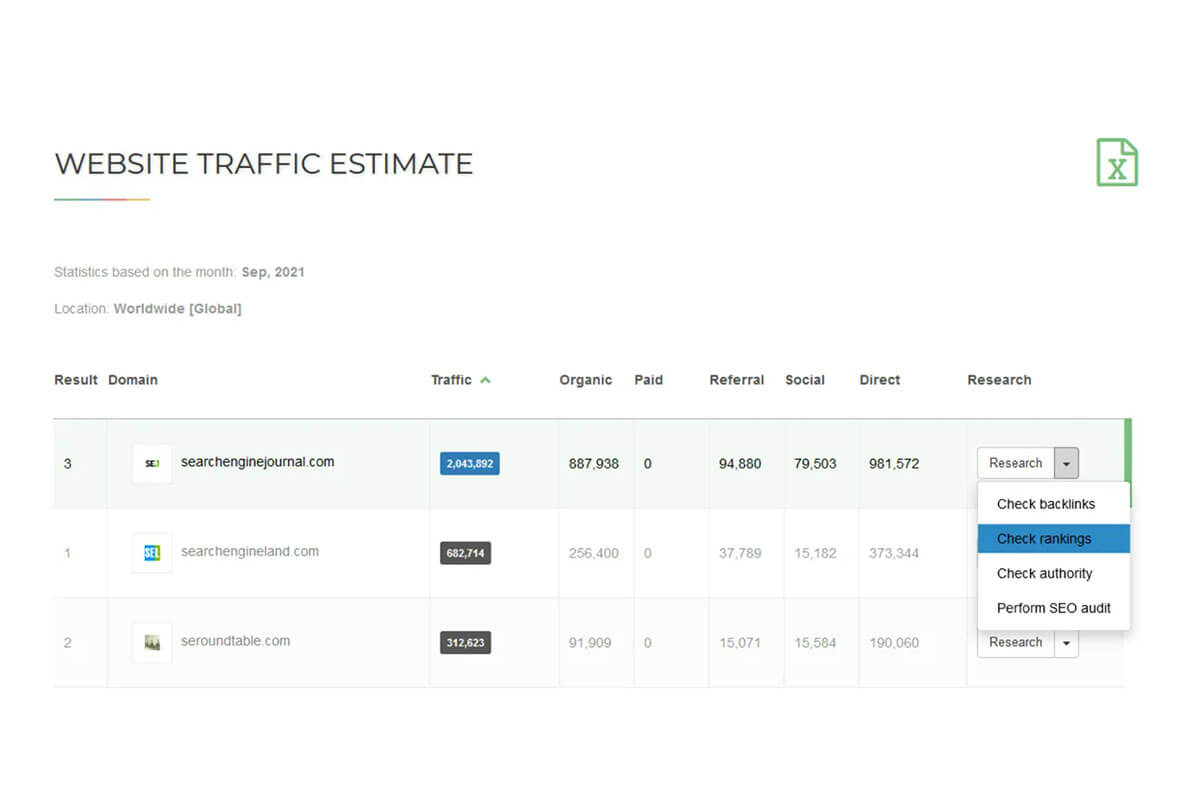
To assess site traffic in real-time, simply add a URL and submit it for verification. This service is completely free.
What Website Traffic Checker Allows:
- To track the number of page views;
- To monitor decline metrics;
- To highlight and evaluate traffic from social networks.
Ubersuggest
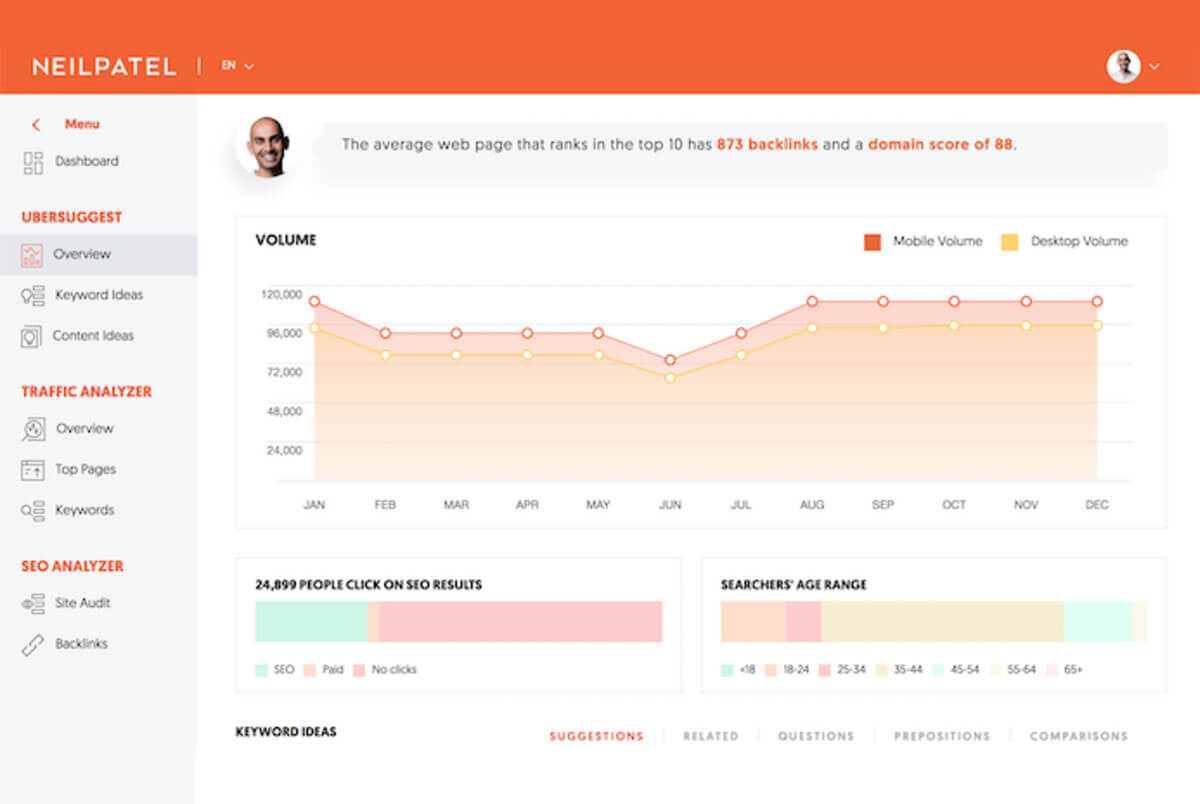
This tool can be used for free without creating an account. It provides extensive information about site traffic and features a good interface with in-depth data analysis.
What Ubersuggest Allows:
- To export reports to PDF;
- To discover new keyword lists;
- To find the most popular pages for optimizing SEO;
- To make a historical overview of traffic.
PR-CY

This service is used to evaluate the effectiveness of SEO work. It also presents overall metrics, including site audit counts. The analysis time takes no more than 10 seconds.
What PR-CY Allows:
- To check indexing parameters, existing sanctions on pages;
- To compile audience portraits;
- To analyze page load speed;
- To optimize and evaluate tags.
Website Informer
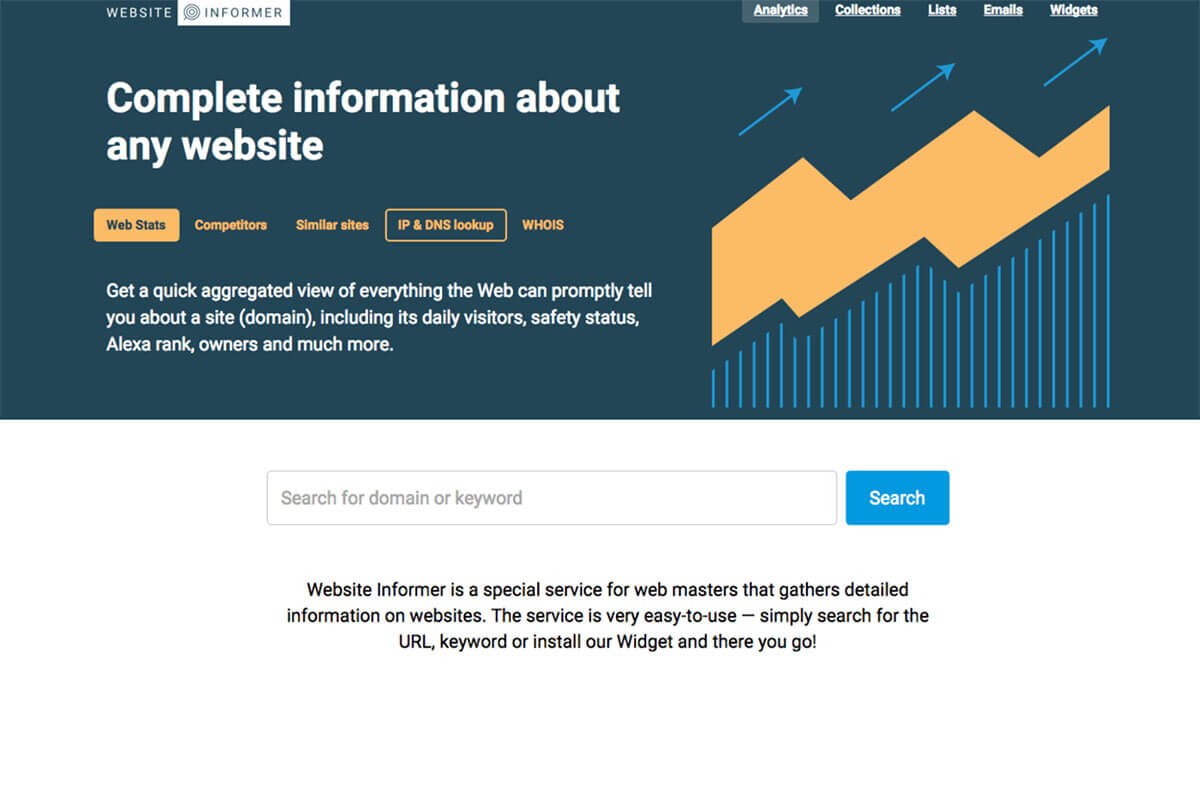
This service is very simple to use and collects sufficient detailed information, including daily visitor and owner metrics. An extension for browsers can be installed.
What Website Informer Allows:
- To track site data;
- To explore similar sites by themes;
- To find the IP address used by other web resources.
Megaindex
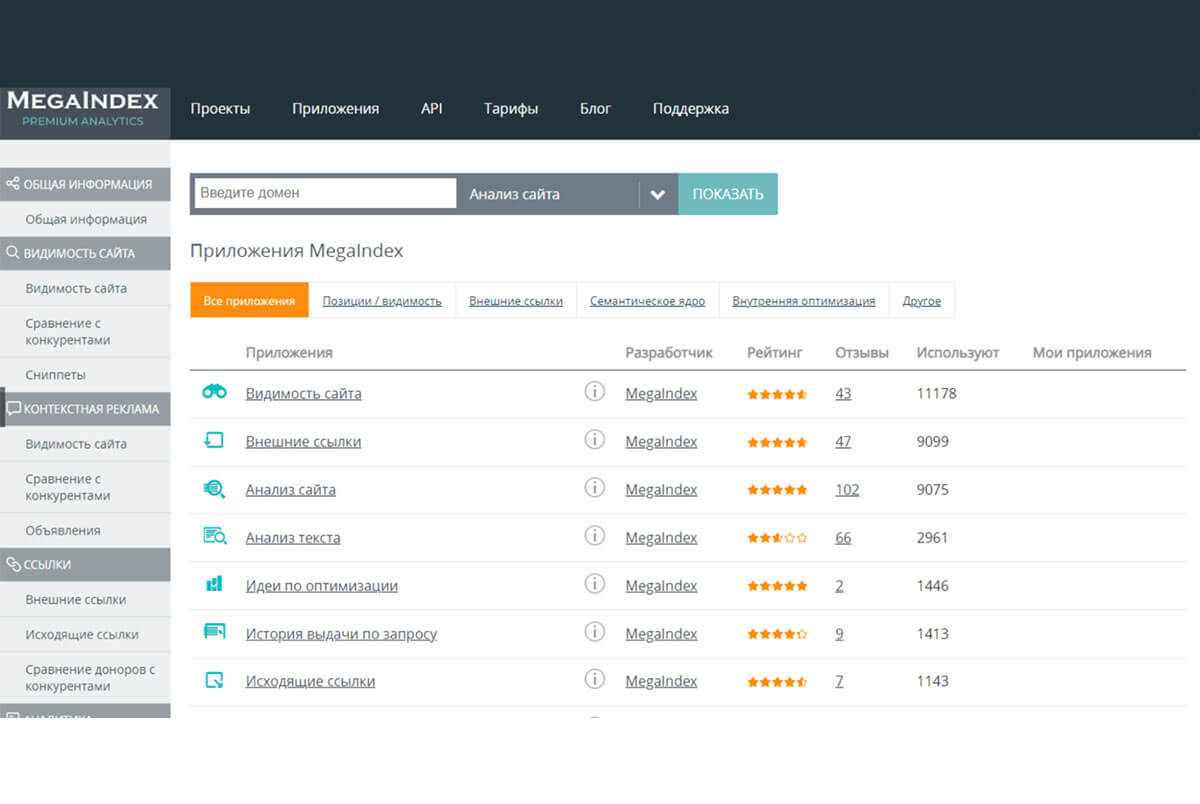
A long-existing yet still frequently used tool. It has both a free and paid function.
What Megaindex Allows:
- To analyze the backlink mass of the site;
- To evaluate its visibility for search engines and compare against competitors;
- To create a semantic core.
Quantcast
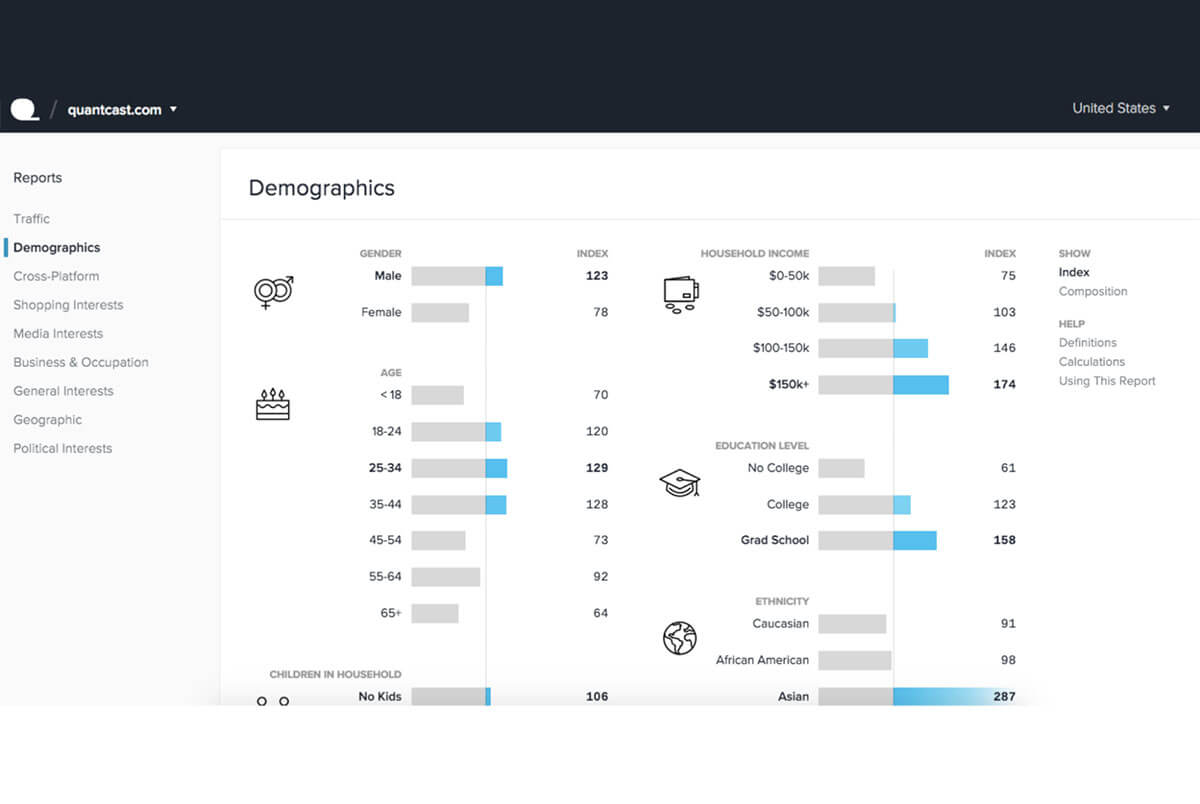
A web-analytics platform, positioning itself as an independent audience measurement tool. It offers intelligent analysis instruments. A free version is available to obtain basic statistics.
What Quantcast Allows:
- To track user behavior;
- To segment the audience geographically, by gender,